Animations and Nudging
As a participant our friendly Meeting Canary will provide subtle nudging. Below are some of the animations you may see during a meeting.
Animations
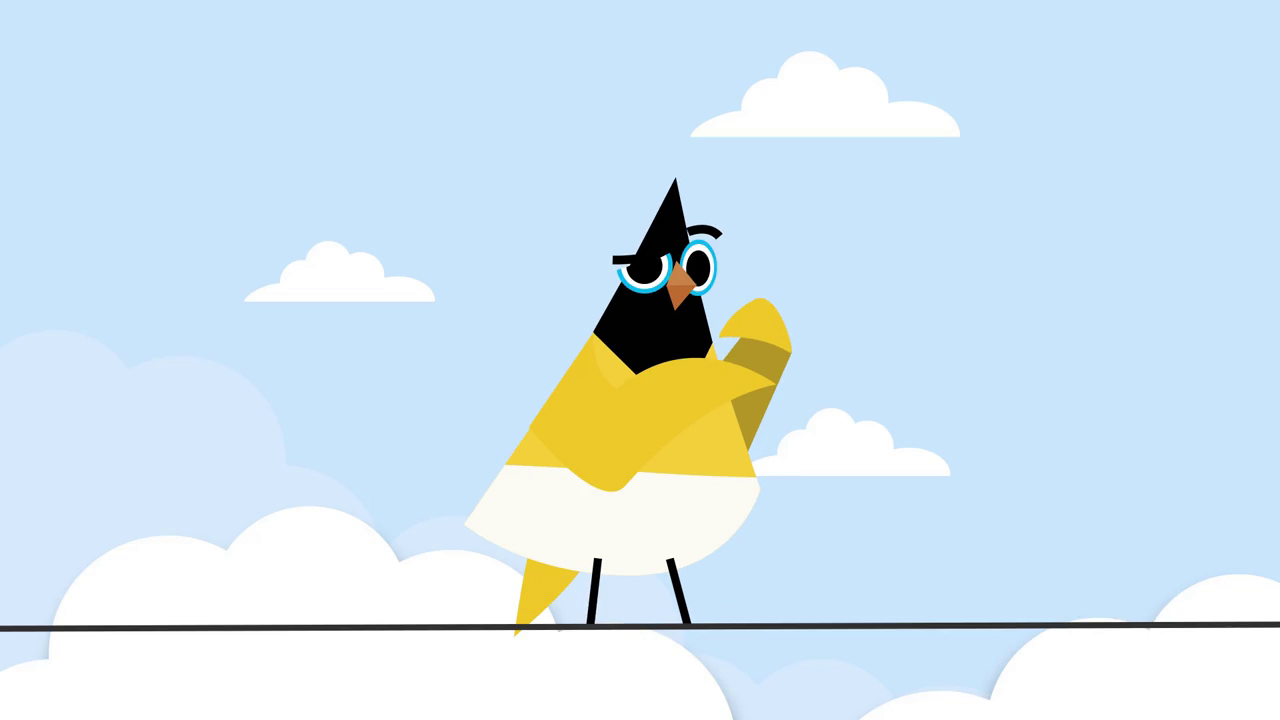
Late
Shown when a participant arrives more than 5 minutes late!
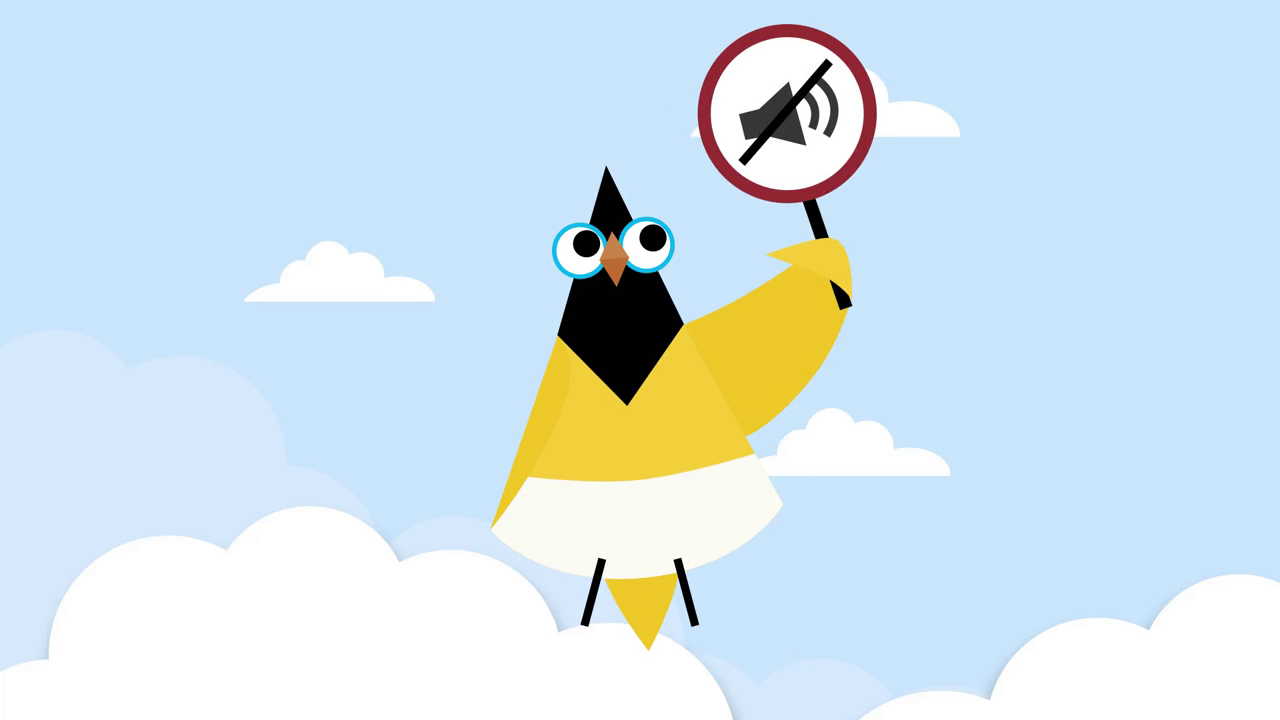
Mute
If we hear the dreaded phrase “you’re on mute!” or “we can’t hear you”.
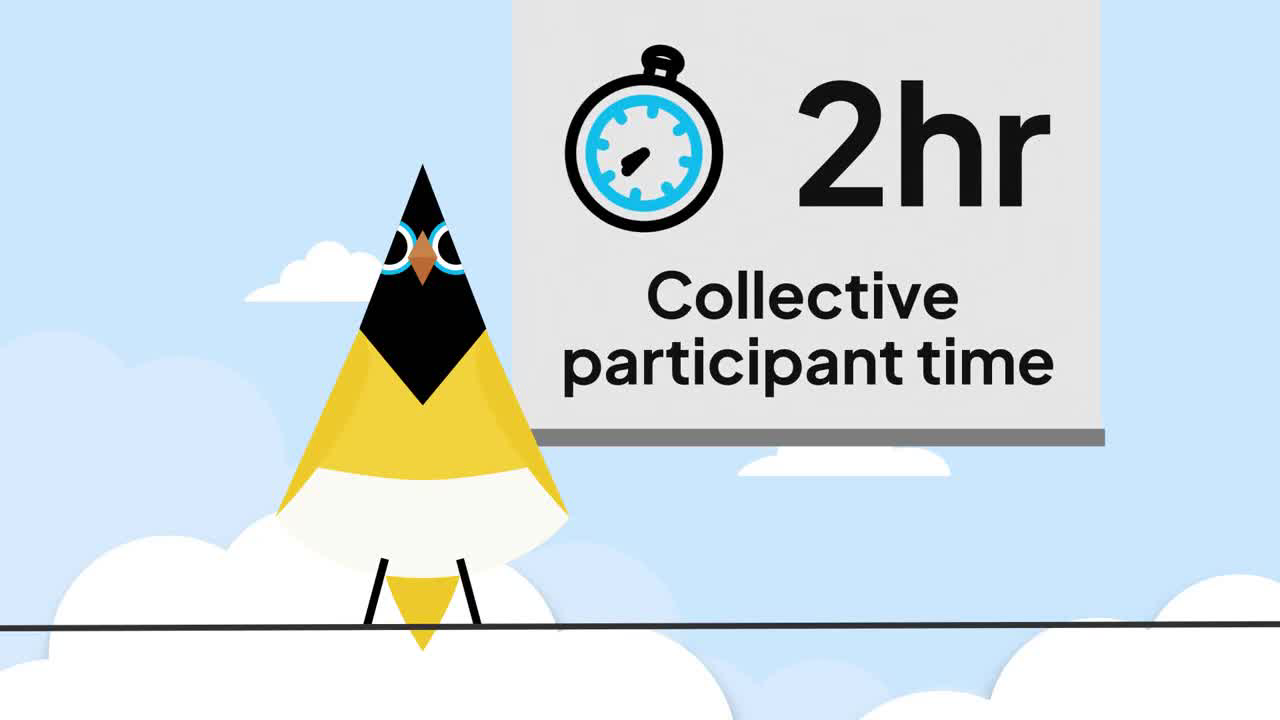
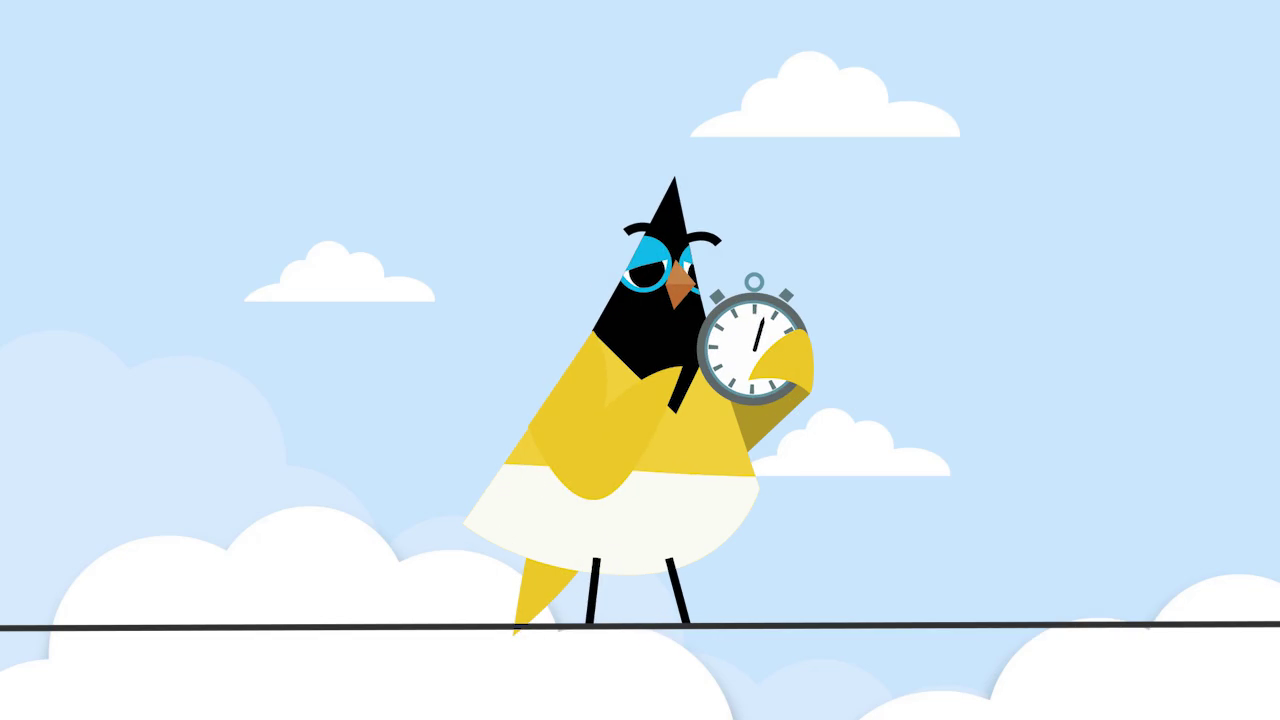
Meeting Time
Real time notifications and reminders on how much team time your meeting is using. Stop wasting time and start making every minute count!
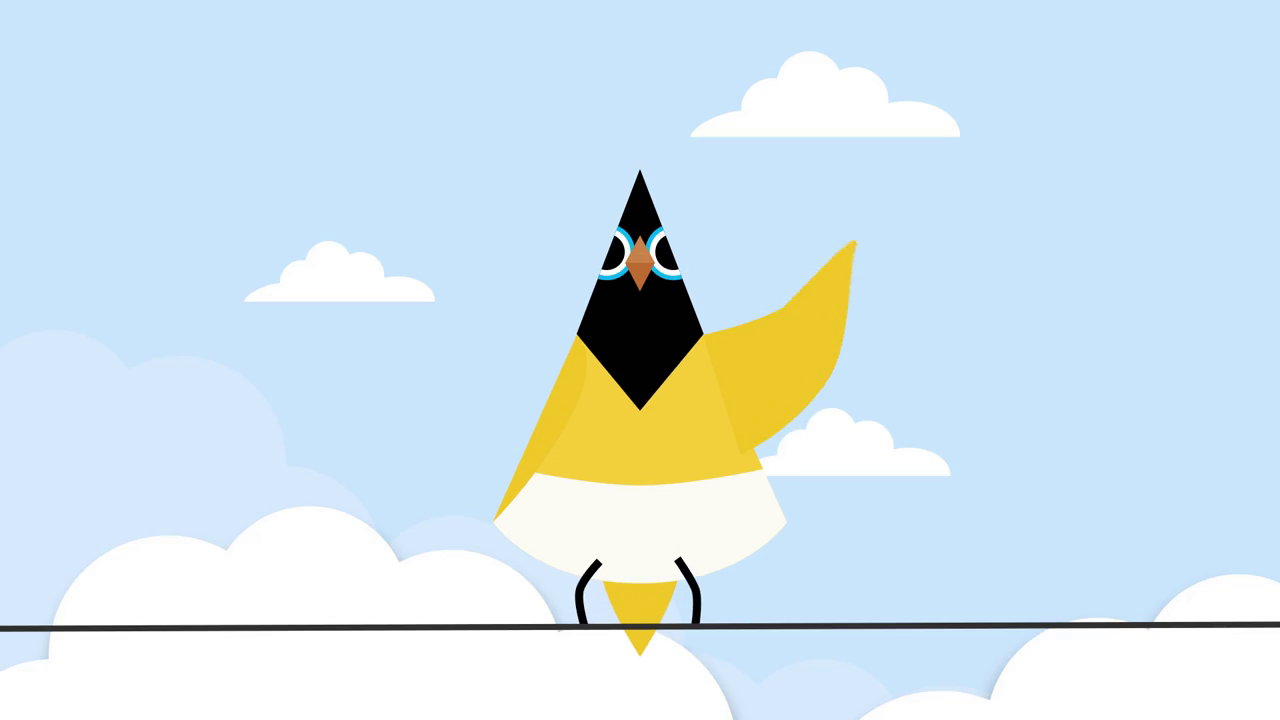
Wave
Meeting Canary is always happy to say “hello” when people join a meeting and when they put their video on!
Interruption
No one likes when people talk over one an another, and the Canary will show its displeasure.
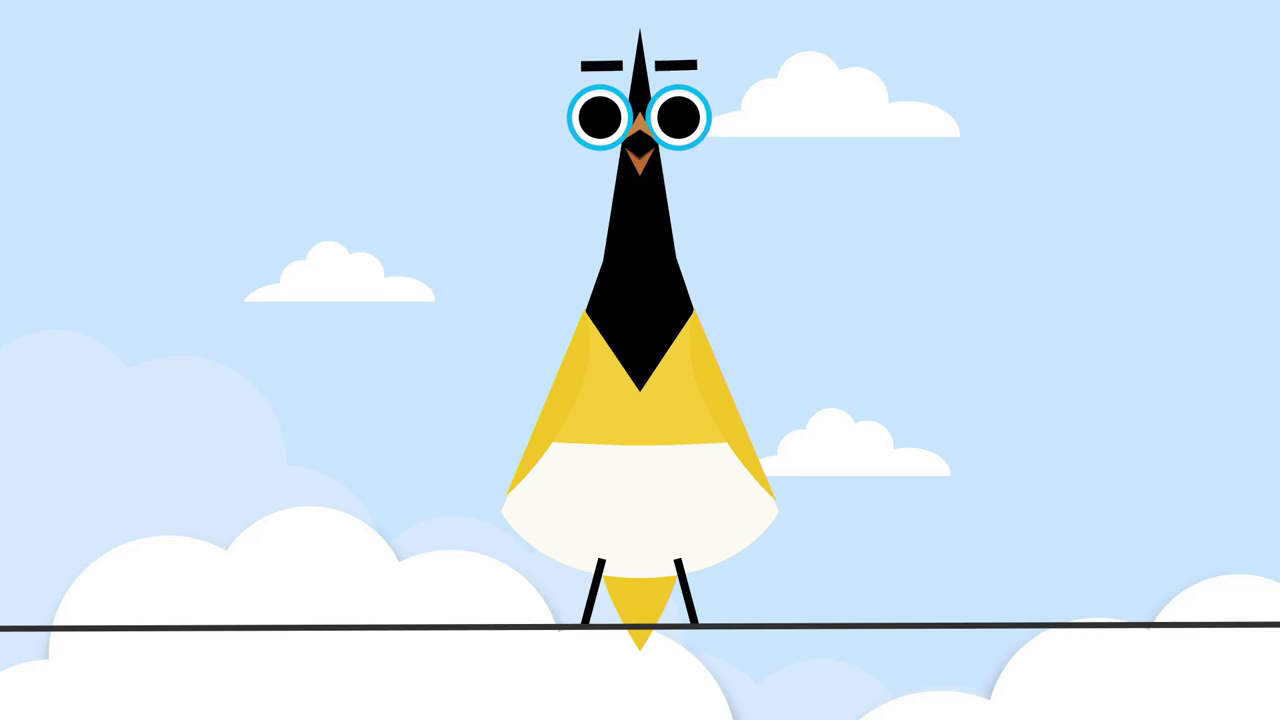
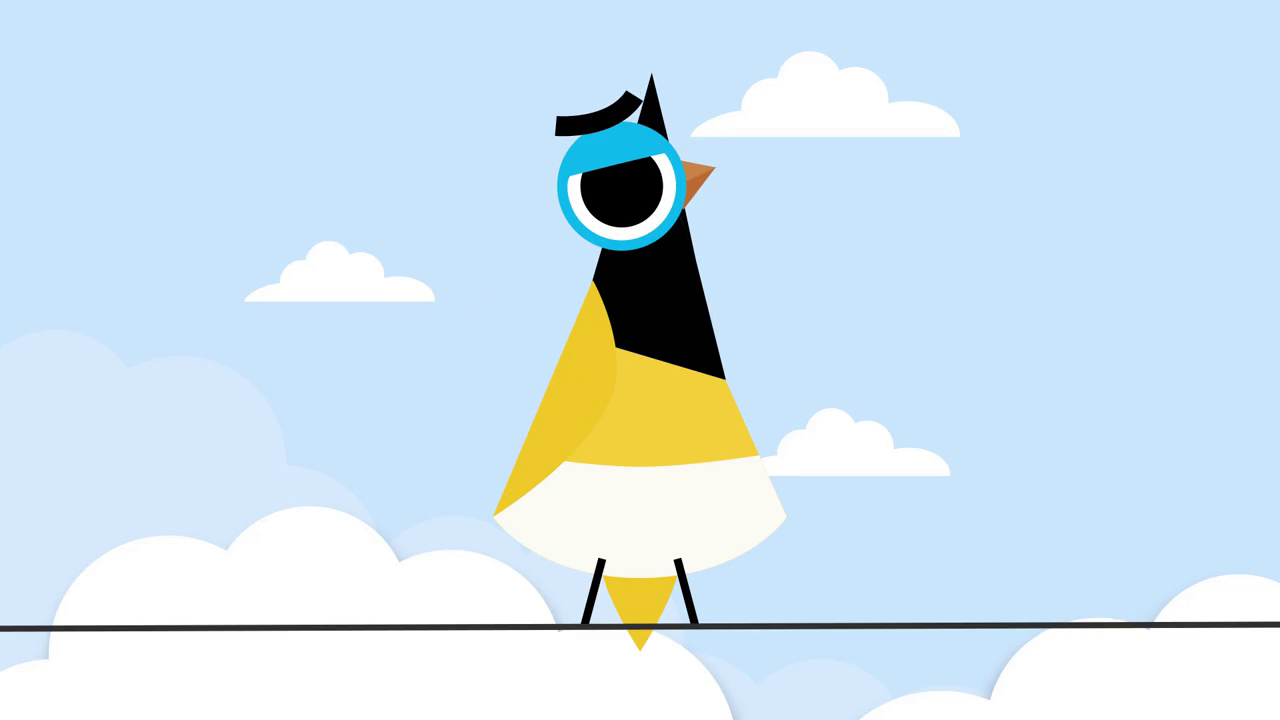
Long meetings
We can only concentrate for so long. The Canary can drop a not so subtle hint that the meeting has been going on for a long time! This animation also shows when we are waiting for the first two participant to join the meeting.
Voice assistant
When the voice assistant is activated, Meeting Canary puts on its thinking glasses and tries to find your answer. Look in the chat panel for its response.

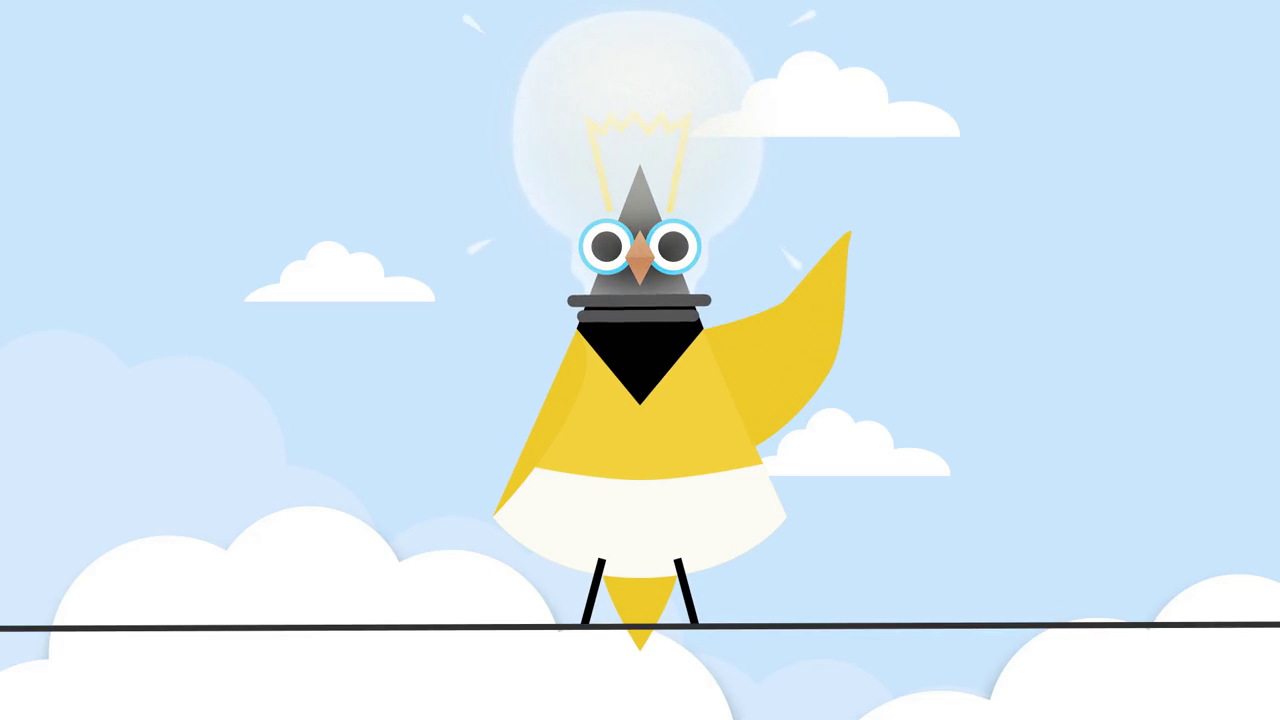
Idea origination
Meeting Canary likes great ideas and has a lightbulb moment.
Disable animations
If your organisation prefers a quieter, less animated interface, you can disable video animations at any time, either at an organisation level or a per meeting basis. See Settings. You can also disable animations during your in-progress meeting by opening the side panel and selecting Meeting Settings at the bottom of the side panel.
For teams on a paid plan, these animations can also be replaced with a custom video card featuring your organisation’s logo and branding. This provides a more consistent, professional look and helps align Meeting Canary with your visual identity.
If you’d like assistance turning this feature on or using your branding assets, our support team is ready to help.
Example static logo card: